 dsale@topsfp.com
 español
 English
 русский
 العربية
 中文
中文



INNO3D GeForce RTX 5090 iCHILL: Planning a Professional AI and Creator Workstation
High-end desktop GPUs are often selected from a short list of core count, memory size, and boost-clock figures. For an AI workstation or professional content-creation system, that approach is incomplete. The final result also depends on the exact board variant, cooling arrangement, chassis clearance, power delivery, display and I/O requirements, software stack, and the workload itself. This guide explains how to evaluate an INNO3D GeForce RTX 5090 iCHILL configuration responsibly before it is integrated into a workstation.
The iCHILL label covers variant-specific designs. Buyers should therefore use the exact INNO3D part number and datasheet for the offered board rather than assuming that every RTX 5090 iCHILL version has the same cooler, dimensions, clock setting, or power connection. INNO3D’s public product catalogue, for example, lists both iCHILL FROSTBITE and iCHILL X3 RTX 5090 models. A compatibility record should name the model, part number, revision where available, and the included accessories.
Clarify the workload before selecting the board
For local AI work, start by identifying the model size, precision, context length, expected batch size, number of concurrent tasks, and framework. Memory capacity usually determines which models can be loaded comfortably, while memory bandwidth, compute performance, and software optimization influence runtime. Content creators should list their actual applications and common media: timeline resolution, codec, effects, rendering engine, display count, and project storage. A workstation designed for short image-generation experiments may be very different from one intended for long video renders, development builds, or interactive visualization.
The GeForce RTX 5090 GPU is based on NVIDIA Blackwell architecture and uses 32 GB of GDDR7 memory. These are useful starting points, but they do not replace a workload test. Measure the model or application versions that will run in production, use the intended driver branch, and record the performance metric that matters: images per minute, tokens per second, render time, training step time, interactive latency, or a mix of these. Avoid making procurement decisions based on synthetic scores alone.
Use exact specifications for the exact variant
Board-level specifications differ among variants. As one example, INNO3D publishes the iCHILL FROSTBITE model C50903-32D7X-1759FB with 21,760 CUDA cores, 32 GB GDDR7 on a 512-bit interface, a 28 Gb/s memory clock, PCIe Gen 5 support, and a 204 mm by 161 mm by 34 mm card body. It is a two-slot card supplied with a liquid-cooling solution. The same page lists a minimum 1,000 W system-power recommendation and either four PCIe 8-pin leads through the supplied adapter or one 600 W PCIe Gen 5 cable. Those figures apply to that published FROSTBITE product and must not be carried over automatically to another iCHILL board.
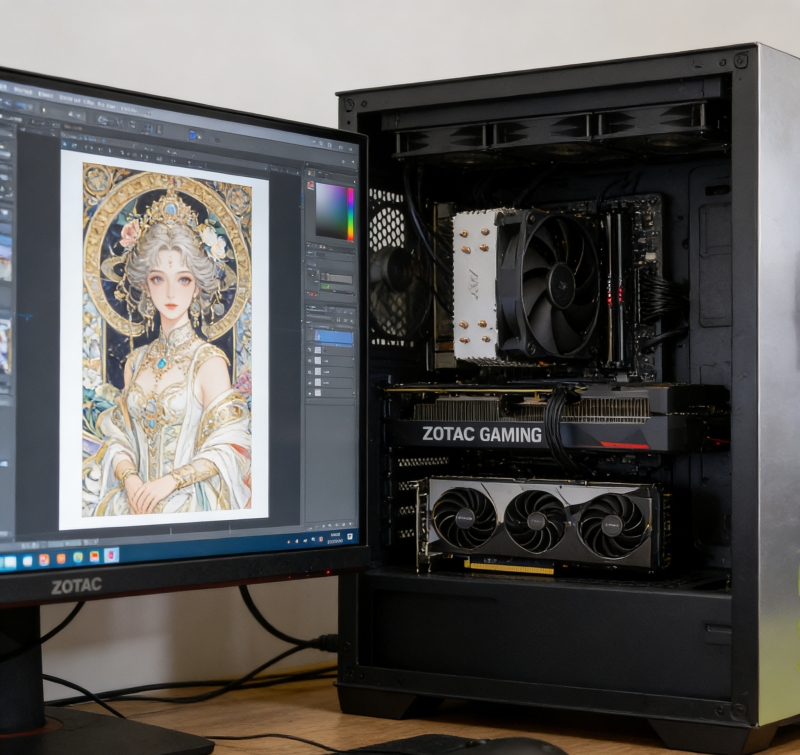
A purchase request should therefore include a copy of the board datasheet and an explicit compatibility checklist. Confirm the GPU part number, cooler type, physical dimensions, expansion-slot width, power connector, recommended power supply, display outputs, required radiator or fan locations, and warranty/support coverage. This prevents a common integration failure: receiving a technically powerful board that cannot be mounted, powered, cooled, or serviced in the selected system.
Cooling and chassis integration are engineering requirements
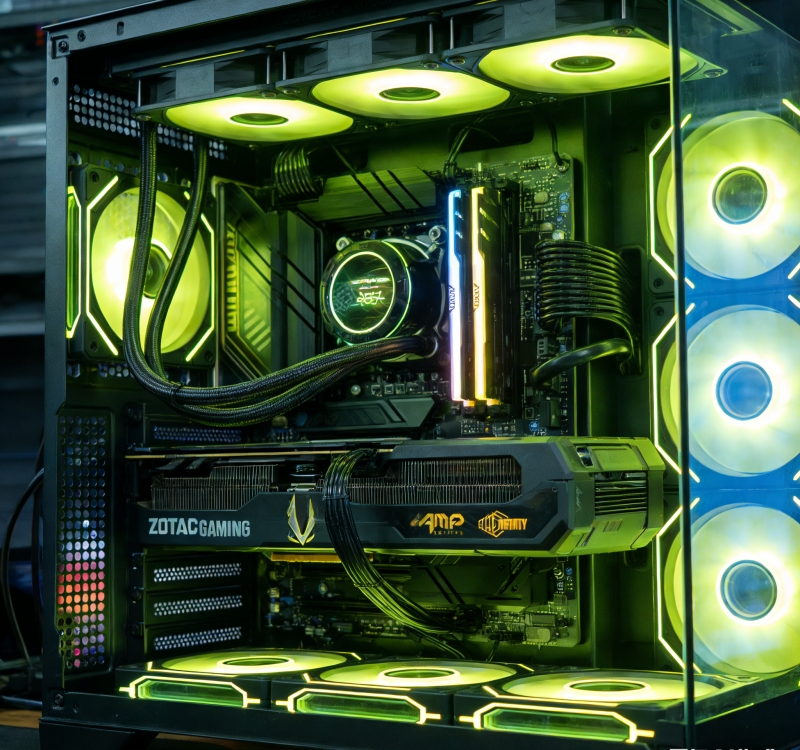
Cooling is not merely a noise preference. It affects sustained clocks, component life, system stability, and user experience. A factory liquid-cooled board requires a compatible radiator position, tubing clearance, airflow path, and maintenance procedure. Check whether the chassis supports the required radiator size and thickness without blocking motherboard connectors, memory access, or front storage. Plan the airflow so that warmed air from the radiator is not immediately recirculated through other components.
Air-cooled variants need the same discipline. Verify the space in front of the card, the available intake area, the number and position of case fans, and the distance to adjacent PCIe cards. The card’s height and power-cable bend radius can be as important as its length. Do not force a high-current cable against a side panel. Build the system with a clean routing path, inspect the connector seating after assembly, and re-check it after initial thermal cycling.
Power, motherboard, and operating-system preparation
Use a high-quality power supply with sufficient continuous capacity, the correct native cable where specified, and appropriate connector headroom. The GPU is only one part of the power budget; include the CPU, memory, NVMe drives, fans, pumps, USB-powered devices, and possible future expansion. Confirm that the power supply, motherboard, and chassis all support the required connector arrangement without adapters that are not approved for the intended load. Keep the system on a suitable protected power circuit and monitor consumption during representative work.
Install the GPU in a PCIe x16 slot that provides the intended electrical connection and mechanical clearance. Update system firmware where recommended by the workstation manufacturer, then install a current supported NVIDIA driver. For professional tools, test the driver version with the application’s documented requirements. For AI frameworks, record the CUDA, Python, library, container, and model versions. Reproducible environment notes are much more valuable than a one-time successful run when a workstation must be maintained by a team.
Validate before production use
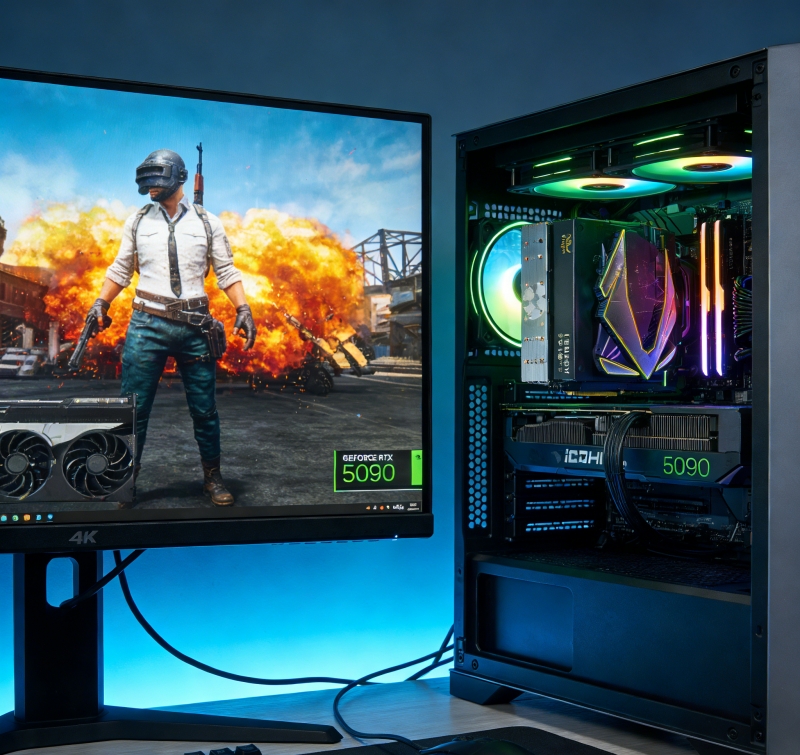
After assembly, run a staged validation. Confirm that the system sees the GPU, that display outputs work as expected, and that the driver reports normal clocks and temperatures. Then test the selected workloads for a sustained period while monitoring GPU temperature, memory temperature where available, power draw, fan or pump behavior, system stability, and storage throughput. Test a realistic AI generation or inference job, a representative render or encode, and a restart cycle. If the workstation will be remotely managed, test remote access and recovery before it is placed in a production environment.
Back up project data and establish a software-update policy. New drivers can provide application improvements but can also change behavior. Keep a known-good driver and environment record so that the workstation can be recovered quickly. For customer-facing or time-sensitive workflows, validate updates on a non-production system first.
Conclusion
An INNO3D GeForce RTX 5090 iCHILL configuration can serve demanding AI and creator workloads when the exact board is matched to the surrounding system. Treat the GPU, power supply, chassis, cooling, motherboard, storage, and software as a single design. Verify the specific part number and its official datasheet, then use a workload-based acceptance test. This compatibility-first process produces a more stable workstation and a clearer support path than selecting a GPU from headline specifications alone.
Use manufacturer documentation for the offered board
Board-level specifications must be taken from the exact INNO3D model, not copied from another RTX 5090 design. INNO3D publishes distinct iCHILL FROSTBITE and iCHILL X3 models with separate part numbers and physical designs. NVIDIA also notes that add-in-card specifications may differ from its reference-card specifications. Before a workstation is assembled, retain the current product page or data sheet for the exact offered board, together with the chassis-clearance and power-cable plan.
Primary references: INNO3D GeForce RTX 5090 iCHILL FROSTBITE, INNO3D GeForce RTX 5090 X3, and NVIDIA GeForce RTX 5090 specifications. Confirm current documentation, regional availability, and the precise board revision before purchase.
